
Surplus sits idle
Monitors, pumps and furniture wait in storerooms after upgrades and closures, losing value every month.
MatchPort connects unused hospital equipment with the departments that need it, across every site. Its AI assistant turns a photo into a ready-to-publish listing.
Trailer
The problem
Monitors, pumps and furniture wait in storerooms after upgrades and closures, losing value every month.
A new purchase order goes out for equipment another department is already trying to give away.
Without one shared list, nobody can see what's available beyond their own floor.
How it works
MATCH PORT ASSIST, the built-in AI assistant, recognizes the equipment in your photo and ranks the matching products from your purchase history. Pick one and the listing fills itself in, ready to publish.
MatchPort checks purchasing history and puts each listing in front of the departments that are most likely to buy it.
A department requests the item, approvers sign off in the app, and the handoff is tracked to completion.
Features
MATCH PORT ASSIST reads your photos, identifies the manufacturer and model, and pre-fills the listing, so staff never type specs by hand.
Suggestions ranked by purchase history, site and condition, with the reason behind each match.
Requests route to the right approvers automatically, with delegation when someone is away.
Ask questions about a listing and coordinate pickup without leaving the app.
Track transfers, savings, waste avoided and labor hours by department and site.
Upload purchase order history as a CSV so matching works from day one.
Product tour
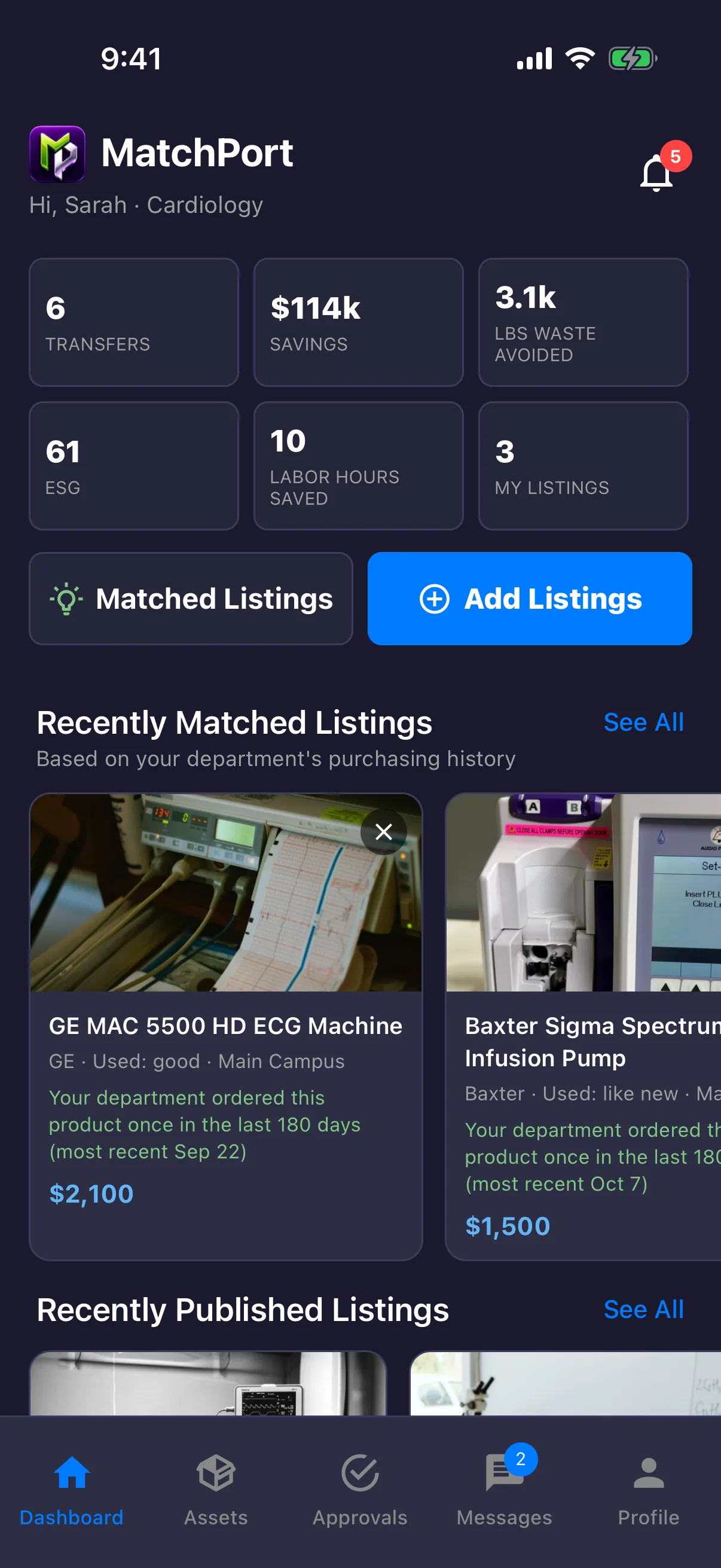
Your department at a glance
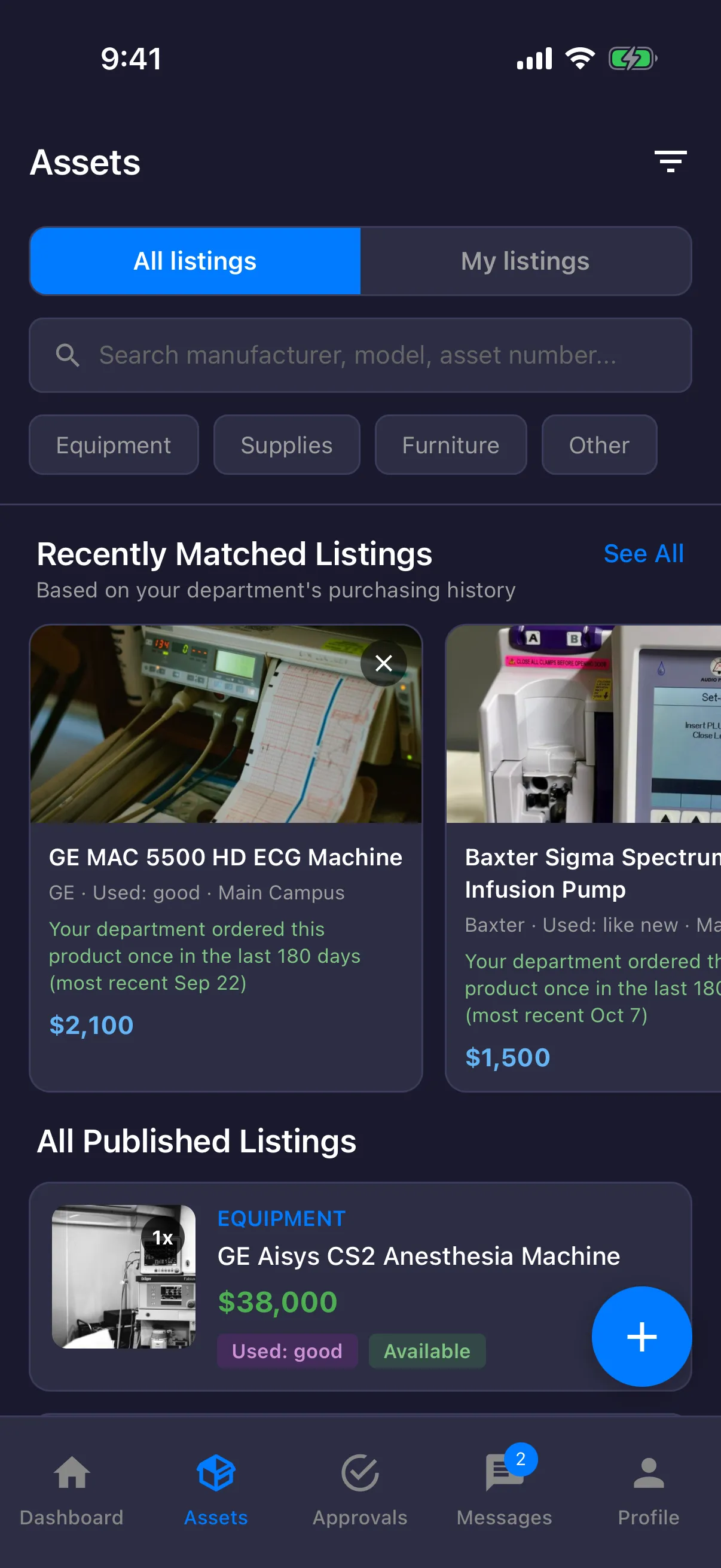
Every published listing
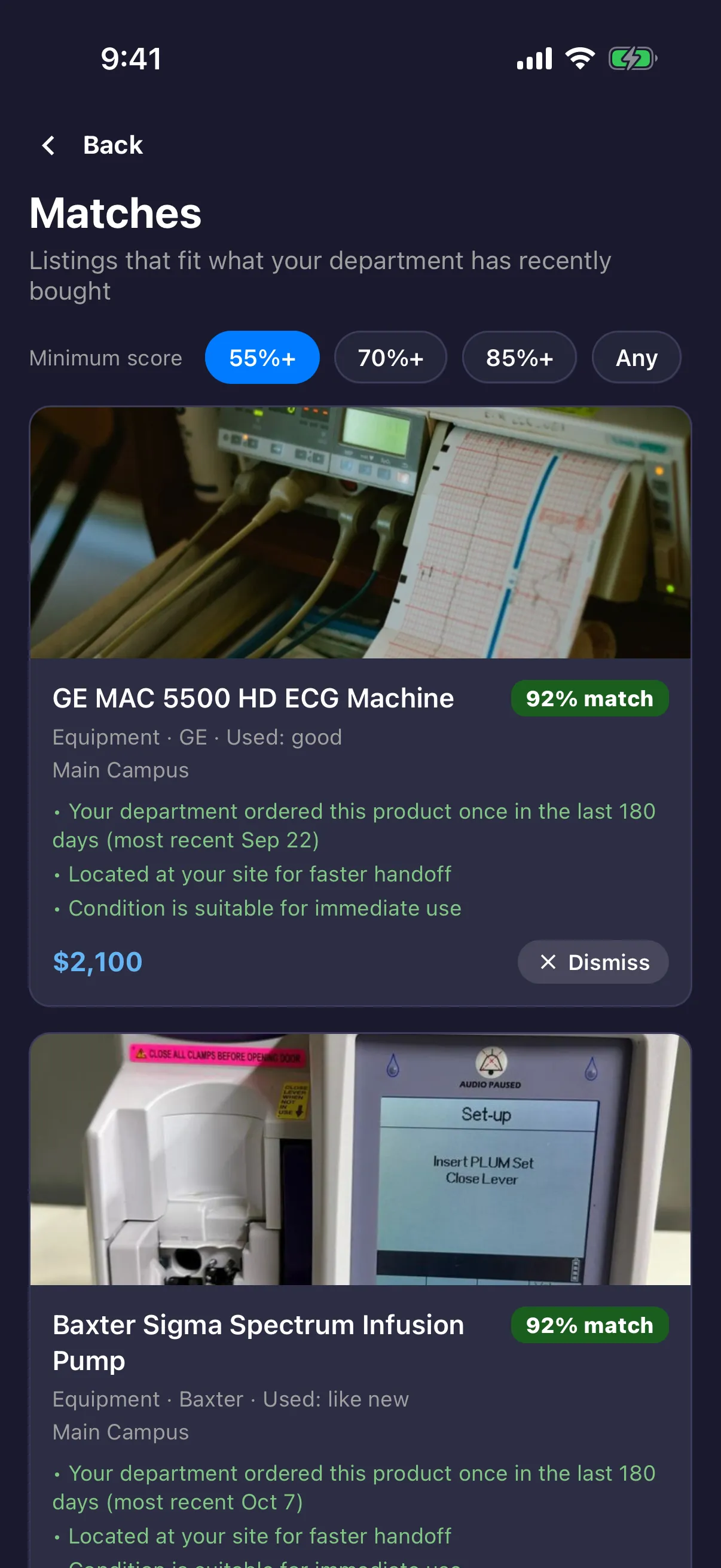
Ranked for your department
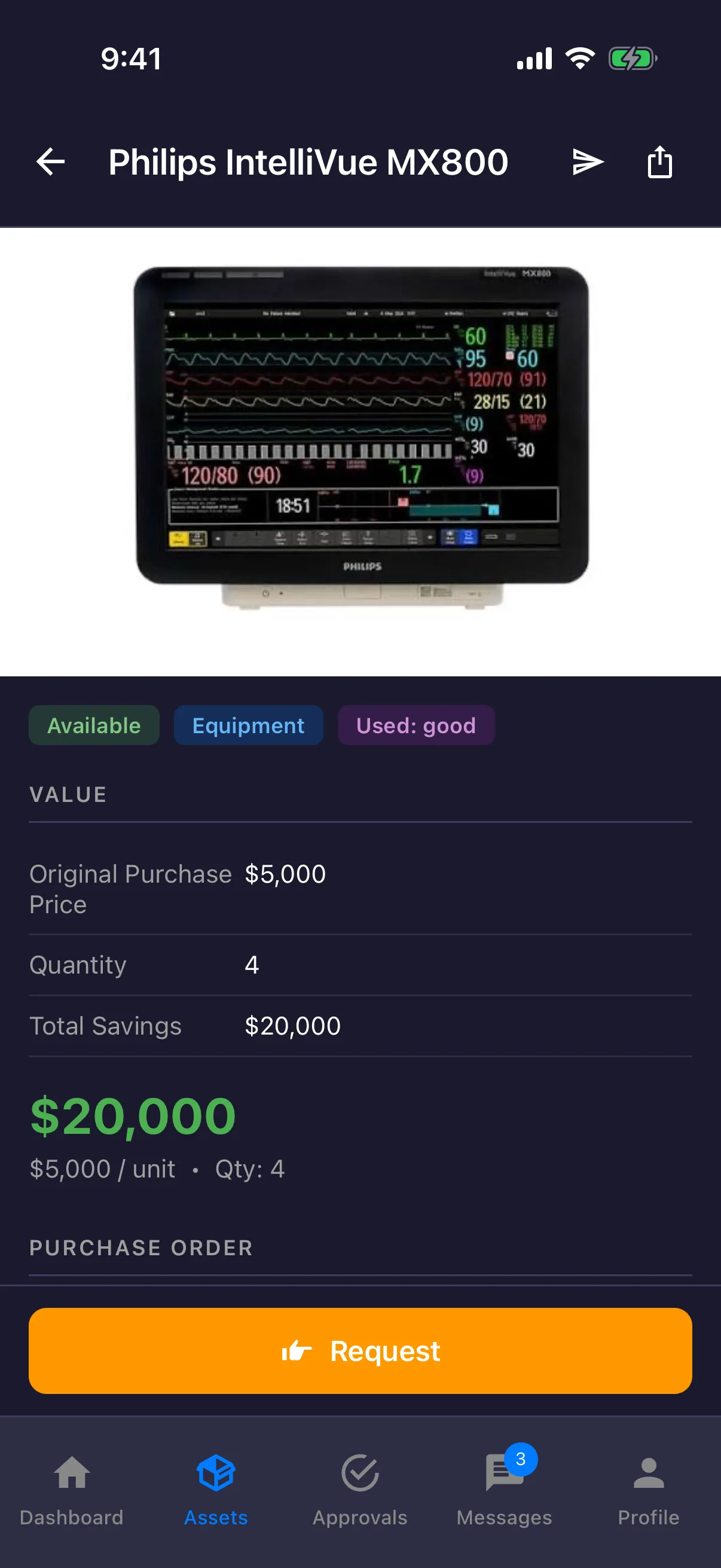
Request in one tap
Our team

Founder
MBA, BSEE, BSBME. Healthcare leader of over 30 years.

Co-Founder & CTO
Software Engineer, BS in Computer Science

Clinical Advisor
RN, DNP, NE-BC

Advisor
Product development executive. Executive MBA (USC), PMP.
Book a walkthrough and see MATCH PORT ASSIST and purchase-history matching on your own equipment.